LCP image optimization on WordPress
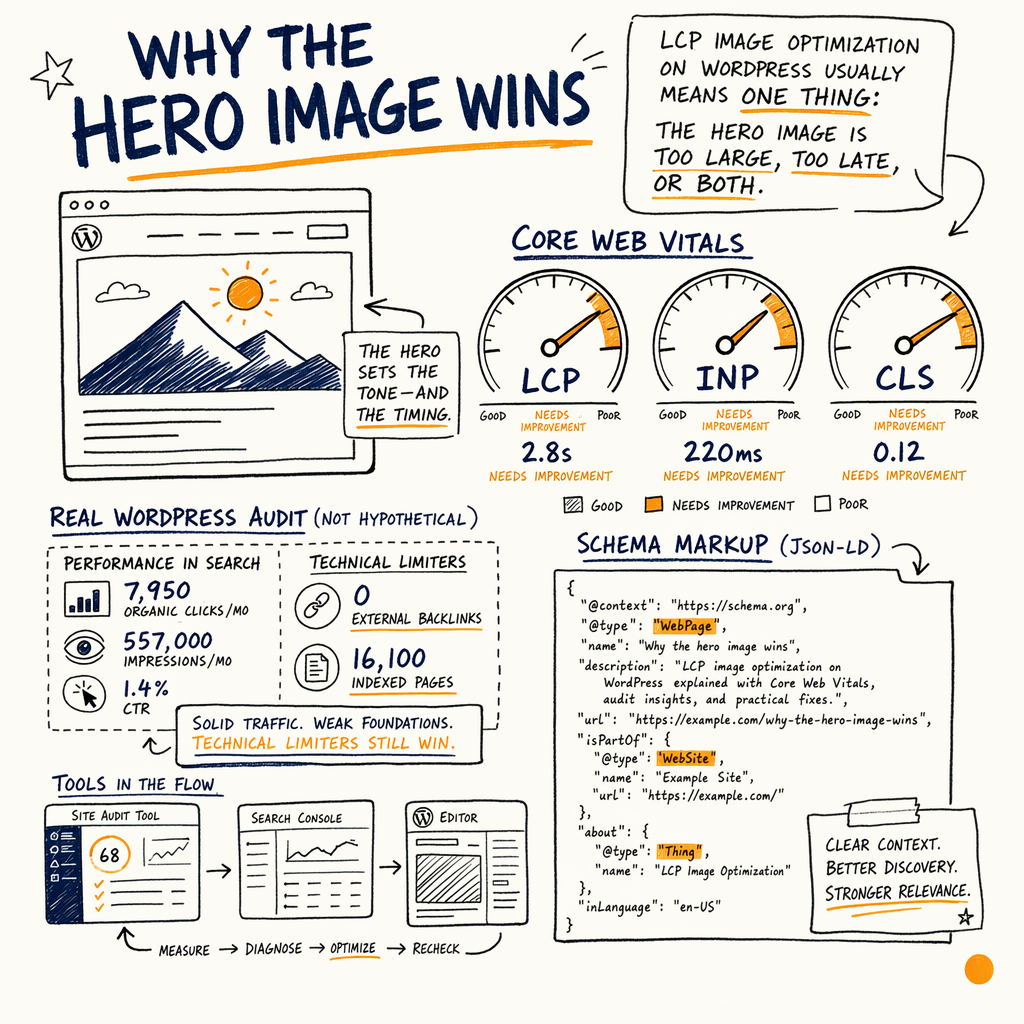
**One hero image can decide whether your WordPress LCP is 4.8s or 2.4s.** The fix is usually not “faster hosting”; it is making the largest contentful element smaller, earlier, and cheaper to fetch.
Why the hero image wins
LCP image optimization WordPress usually means one thing: the hero image is too large, too late, or both. On a real WordPress audit, the site had 7,950 organic clicks/mo, 557,000 impressions/mo, and 1.4% CTR, but the rate-limiter was still a technical one: 0 external backlinks and a 16,100 indexed / 591,000 not indexed page split that told Google the site was spending crawl on volume, not value.
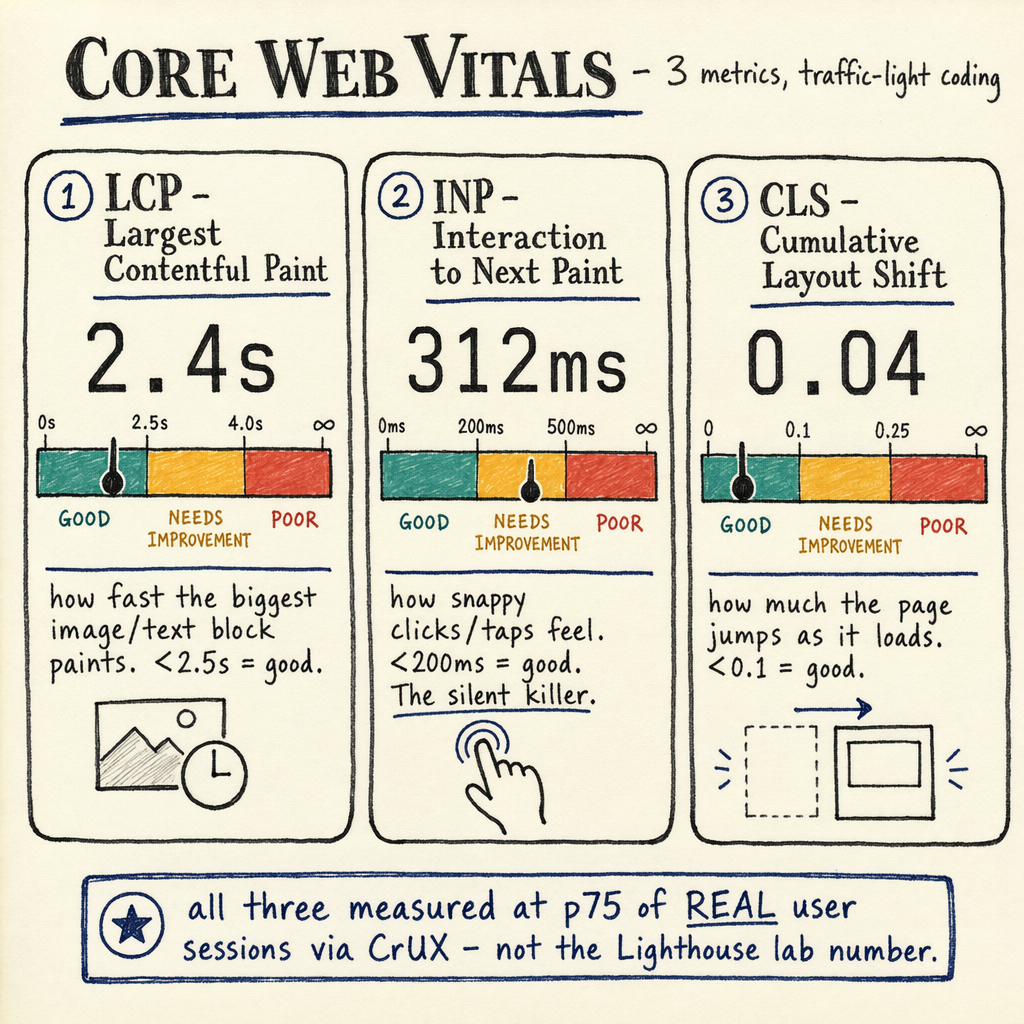
For performance work, the useful metric is field data at the P75 level, not lab-only scores. Lighthouse can point at the problem, but CrUX-style real-user data decides whether the fix actually moved LCP, INP, and CLS. If the hero image is the largest contentful element, its byte size and fetch order become the first things to inspect.
A page with a perfect layout can still miss the mark if the LCP image arrives after CSS, JS, fonts, and a background slider. The goal is simple: make the browser discover the image earlier, request fewer bytes, and avoid competing with non-critical resources. If you need the broader Web Vitals context, start with Core Web Vitals explained.
Measure field data first
Use GSC before Lighthouse
Check Performance › Search results for page-level query demand, then cross-check Experience › Core Web Vitals for URL groups that miss the LCP threshold. Lighthouse is useful for diagnosis, but field data tells you what users actually saw.
Confirm the real LCP element
In Chrome DevTools, inspect the performance trace and confirm the hero image is the LCP element, not a headline or a CSS background. If the LCP element changes by viewport, fix the mobile version first.
Watch the page source order
If the image appears late in HTML, the browser cannot request it early. If CSS hides the image behind a slider or tab, the first visible content may be delayed even when the file itself is small.
Inspect the image request
// DevTools console snippet: find the current LCP candidate
new PerformanceObserver((list) => {
  const entries = list.getEntries();
  const last = entries[entries.length - 1];
  if (last) {
    console.log({
      element: last.element,
      url: last.url,
      renderTime: last.renderTime,
      loadTime: last.loadTime,
      size: last.size
    });
  }
}).observe({ type: 'largest-contentful-paint', buffered: true });
Make the image cheaper
The easiest fix lcp wordpress win is to reduce the hero image payload. Export the exact display size, then add responsive images so mobile does not download desktop pixels. In practice, a hero image that ships at 2400px wide can often be replaced with 1200–1600px sources and srcset.
Use modern formats where they actually reduce bytes. AVIF is often smaller than WebP, and WebP is often smaller than JPEG or PNG. But format choice is only useful if the decoded image still looks sharp enough for the content area. A blurry hero can lower trust faster than it lowers bytes.
If the image is a background in CSS, consider moving it into HTML so the browser can discover it sooner. That alone can change request timing by hundreds of milliseconds. If CSS delivery is also blocking render, pair this with render-blocking resource fixes.
Preload the right asset
Add `rel=preload`
Preload the exact hero image URL, not a guessed variant. If the browser preloads the wrong size or format, you just burn bandwidth earlier.
Use `fetchpriority=high`
For the real LCP image, fetchpriority=high tells Chromium-based browsers to move it up the queue. It is not a substitute for preload, but it helps when the image is already in HTML.
Keep the URL stable
If WordPress or a plugin rewrites the image URL after render, preloading becomes brittle. Stable URLs make the hint predictable and cacheable.
Preload in WordPress
<link rel="preload" as="image"
      href="https://example.com/wp-content/uploads/hero.avif"
      imagesrcset="https://example.com/wp-content/uploads/hero-960.avif 960w,
                   https://example.com/wp-content/uploads/hero-1440.avif 1440w"
      imagesizes="100vw">

<img src="https://example.com/wp-content/uploads/hero-1440.avif"
     srcset="https://example.com/wp-content/uploads/hero-960.avif 960w,
             https://example.com/wp-content/uploads/hero-1440.avif 1440w"
     sizes="100vw"
     width="1440"
     height="810"
     fetchpriority="high"
     loading="eager"
     decoding="async"
     alt="Product screenshot">
Stop lazy-loading the LCP
- 01
Exclude the hero from lazy-load
If the LCP image is lazy-loaded, the browser delays it by design. Keep lazy-load on for below-the-fold images, but explicitly exclude the above-the-fold hero.
- 02
Set width and height
Always set dimensions so layout can reserve space. That protects
CLSand helps the browser understand the image box before bytes arrive. - 03
Fix source ordering
Make sure the hero image is early in the HTML, not injected by a slider, tab, or late hydration step.
- 04
Remove competing requests
Delay non-critical JS, reduce font blocking, and trim third-party tags. The image cannot win the connection if everything else starts first.
Tame WordPress delivery
| Field | Better | Worse |
|---|---|---|
Hero format | AVIF or WebP | JPEG at desktop dimensions |
Discovery | Image in HTML | CSS background or slider injection |
Priority | Preload + | Default parser order |
Lazy-load | Exclude LCP image | Lazy-load everything |
Markup | Responsive | One fixed URL for all screens |
Layout | Width + height set | Unknown box size |
Caching | Stable file URLs | Frequent rewritten URLs |
Check results in GSC
After deployment, watch Experience › Core Web Vitals for the affected template group. If the URL cluster moves from “needs improvement” to “good,” then the fix worked in field data, not just in a lab test.
Use Performance › Search results to compare click and impression stability before and after the change. On the enzymes.bio audit, the page set already had 557,000 impressions/mo, so the goal was not more visibility; it was better capture. The same logic applies here: if the query demand is present, a faster hero image can help the page earn the click you were already showing up for.
For site-wide delivery issues, inspect Indexing › Pages and Indexing › Sitemaps too. If you are generating thousands of near-duplicate image-heavy pages, the crawl and index split can mask a performance problem until Google starts ignoring the template altogether.
Common failure patterns
Removed the slider, inlined the first hero image in HTML, added fetchpriority=high, and excluded that image from lazy-load. Mobile P75 dropped under the 2.5s threshold.
Swapped a 2200px JPEG for a 1400px AVIF with srcset, fixed dimensions, and reduced competing JS. The product image became the LCP element but loaded earlier.
Set image dimensions, removed late banner injection, and stopped layout shifts from the hero container. The visible result was a stable first paint, not just a better score.
FAQ
What is the fastest way to improve LCP on WordPress?
Start with the exact LCP element. If it is the hero image, reduce its bytes, add rel=preload, set fetchpriority=high, and exclude it from lazy-load. That usually beats plugin-only fixes.
Should the LCP image be lazy-loaded?
No. The image that controls LCP should load eagerly. Lazy-loading is for below-the-fold media, not the first visible content.
Is AVIF always better than WebP?
Not always. AVIF is often smaller, but test visual quality and decode cost. Use the format that gives the best trade-off for that specific hero.
Do background images count for LCP?
Yes, if the background image is the largest visible contentful element. But they are harder to prioritize, so moving the hero into HTML is usually cleaner.
How do I know the fix worked?
Check Experience › Core Web Vitals for field data, then confirm the page-level trend in Performance › Search results. If P75 improves and the URL group shifts status, you changed the real experience.
Where should I start if the page is still slow?
If the image is already optimized, inspect render-blocking CSS, late JS, and third-party tags. The next stop is usually learn/fix-render-blocking-resources or a template-level audit.