Fix duplicate without user-selected canonical
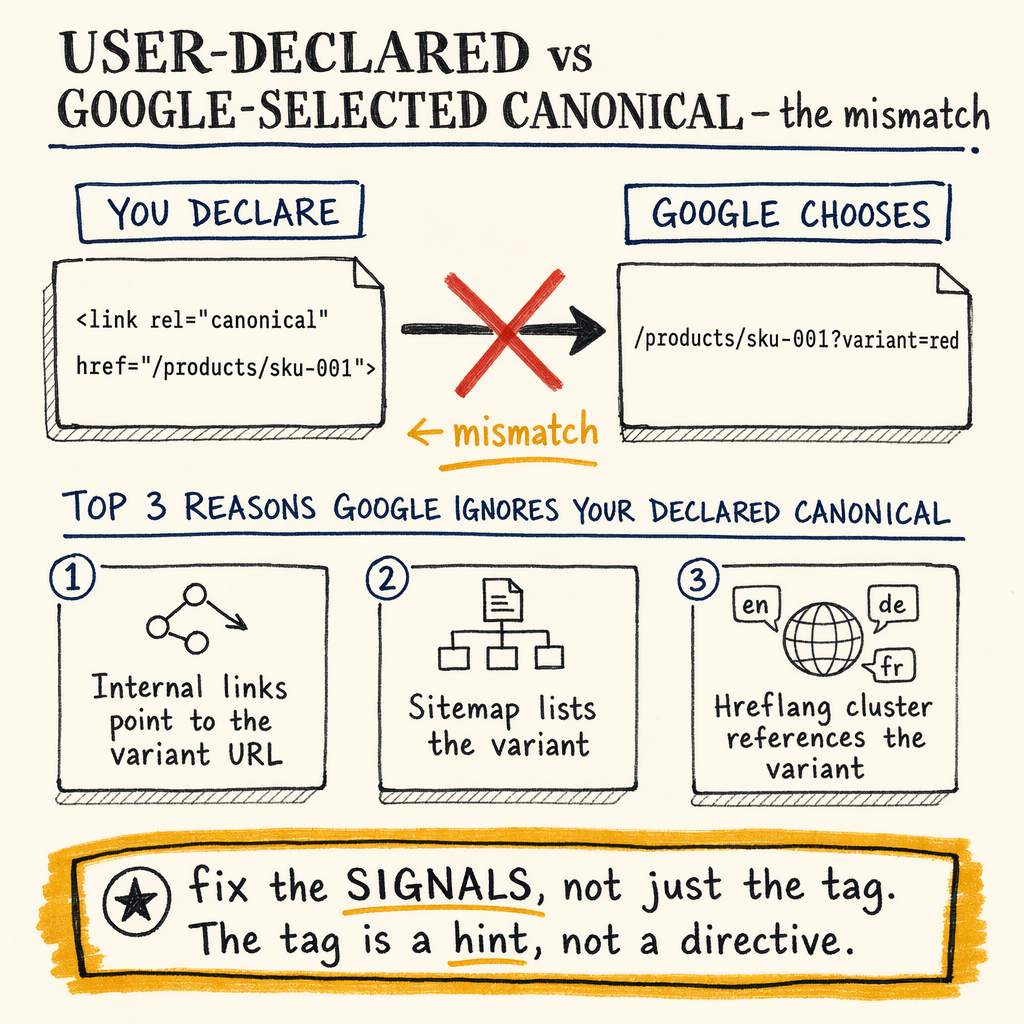
**Google found duplicate URLs, but the page never declared a winner.** In Search Console, that usually means the "user-declared canonical" is missing, weak, or inconsistent, while the "Google-selected canonical" is doing all the work.
What the report means
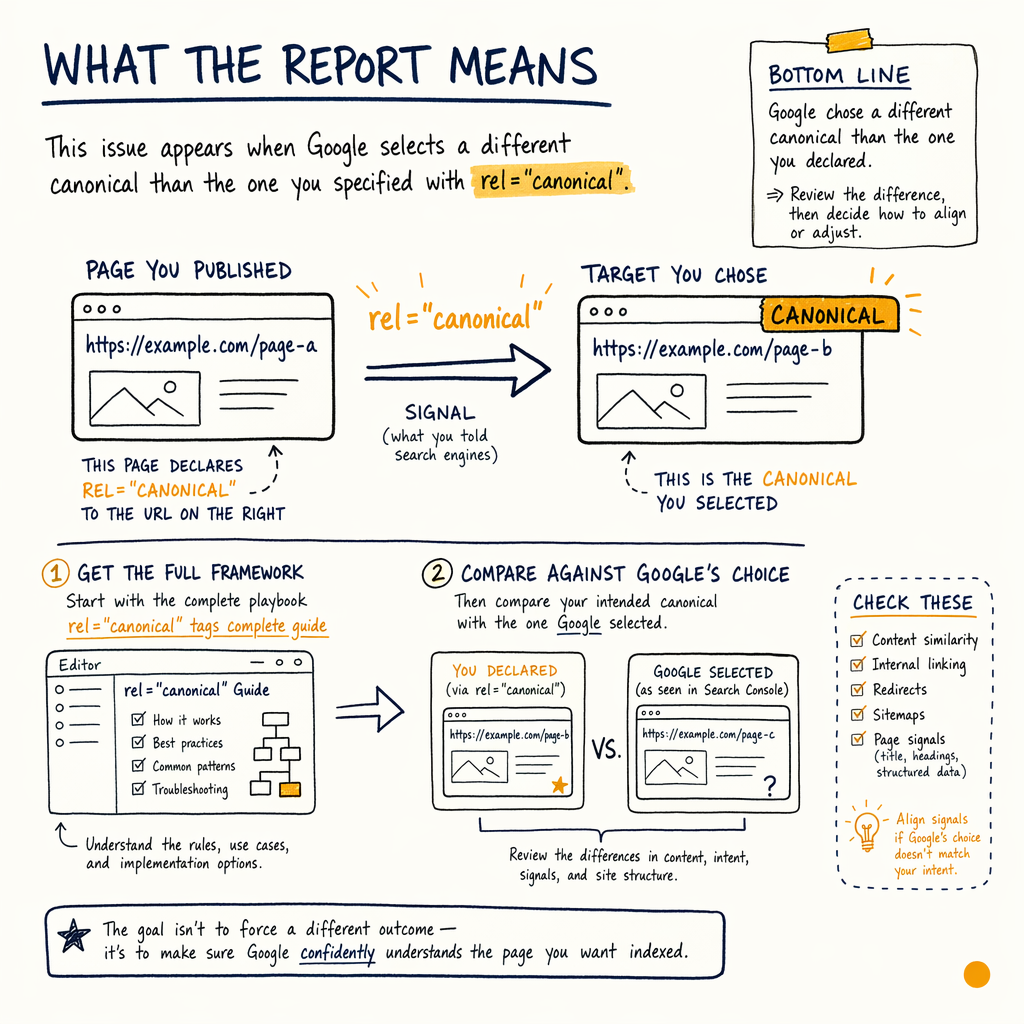
If you need the deeper framework, start with canonical tags complete guide and then compare against fix Google chose different canonical.
Check the canonical signals
"user-declared canonical" exists
Open the live URL and verify a single <link rel="canonical" href="..."> in the HTML source. If it is missing, duplicated, or injected inconsistently by templates, Google has no clean hint.
"Google-selected canonical" matches
Use URL Inspection and compare the inspected URL with the Google-selected canonical. If Google keeps selecting another URL, the cluster is not consolidated.
Duplicate content GSC signals line up
In Indexing › Pages, look for Duplicate without user-selected canonical, Alternate page with proper canonical tag, and any crawl path that creates variants.
Self-reference is not always enough
A self-referencing canonical works when the page is already the obvious primary version. It does not fix parameter variants, print pages, or translation duplicates by itself.
Fix the duplicate source
For indexation cleanup patterns, see indexing issues troubleshooting and the broader Google Search Console coverage report errors.
Inspect one URL fast
curl -I https://example.com/page/

curl -s https://example.com/page/ | grep -i canonical

# Compare the live URL to the preferred URL
# Look for one canonical, one indexable version, one consistent redirect path
Validate with GSC
- 01
Open the report
Go to
Indexing › Pagesand filter forDuplicate without user-selected canonical. Export the affected URLs and group them by template, path, and parameter pattern. - 02
Inspect the winner
For each cluster, inspect one URL. Compare
user-declared canonicalversusGoogle-selected canonical. If they differ, check internal links, redirects, sitemap inclusion, and content uniqueness. - 03
Check source-of-truth files
In
Indexing › Sitemaps, make sure only canonical URLs are submitted. Then reviewSettings › Crawl statsfor spikes in duplicate parameter crawling or wasteful bot paths. - 04
Re-test after deploy
After changing tags or redirects, request reindexing for the primary URL and monitor
Performance › Search resultsfor CTR and impressions on the cluster. Canonical fixes usually show as cleaner consolidation, not instant ranking jumps.
Self-reference versus consolidation
| Field | Self-referencing canonical | Cluster consolidation |
|---|---|---|
Use case | Single page with no meaningful variants | Multiple URLs competing for one indexable page |
What Google sees | One clear hint, often accepted | One preferred URL plus redirects, links, and sitemap alignment |
Risk | Duplicate variants may still exist | Wrong canonical can suppress the whole cluster |
Best for | Articles, evergreen guides, simple product pages | Faceted navigation, localization, parameter URLs, copied templates |
Common edge cases
Parameter URLs
UTM, sort, filter, and session parameters create duplicate canonical GSC noise fast. Block crawl paths only when safe; otherwise canonicalize and keep the primary page clean.
Translated pages
With 35 languages, every locale needs its own user-declared canonical and matching hreflang pair. Do not canonical all translations to the source language unless they are truly duplicates.
Trailing slash drift
Pick one slash policy and enforce it with redirects. Mixed slash behavior often creates two indexable URLs that look identical to users.
Pagination and facets
Page 2 should not canonical to page 1 unless page 2 has no standalone value. Facets often need index control, not blanket canonicalization.
Canonical tag example
<head>
  <link rel="canonical" href="https://example.com/products/widget/">
  <meta name="robots" content="index,follow">
</head>

<!-- One page, one canonical, one preferred URL -->
Audit checklist
- ✓
Confirm one live
user-declared canonicalper HTML document. - ✓
Make sure the canonical URL returns
200 OK, not a redirect chain. - ✓
Remove duplicate canonical tags from themes, plugins, or app shells.
- ✓
Align internal links to the preferred URL only.
- ✓
Submit only canonical URLs in
Indexing › Sitemaps. - ✓
Check
Enhancements › BreadcrumbsandEnhancements › Product snippetsfor URL mismatches. - ✓
Compare
Google-selected canonicalagainst the target URL in URL Inspection. - ✓
Recheck
Settings › Crawl statsfor repeated crawling of alternate URLs. - ✓
Verify the cluster still earns impressions in
Performance › Search resultsafter changes.
FAQ
Is duplicate without user-selected canonical the same as duplicate content?
Not exactly. Duplicate content is the source problem. Duplicate without user-selected canonical is Google's indexing outcome after it finds duplicates and no clear user-declared canonical.
When is self-referencing canonical enough?
When the page is the only meaningful version, internal links are clean, and Google already treats it as the obvious primary URL.
Why does Google ignore my canonical?
Because canonicals are hints, not commands. Conflicting redirects, internal links, sitemap entries, or duplicate templates can override the hint.
Should I noindex duplicates or canonical them?
If the duplicate must never index, noindex can make sense. If it is a variant that should consolidate into one page, use canonical plus redirects where possible.
How long before GSC updates?
Usually after recrawl and reprocessing. For large sites with 16,100 indexed pages and 591,000 not indexed, the cluster may take multiple crawls to settle.